
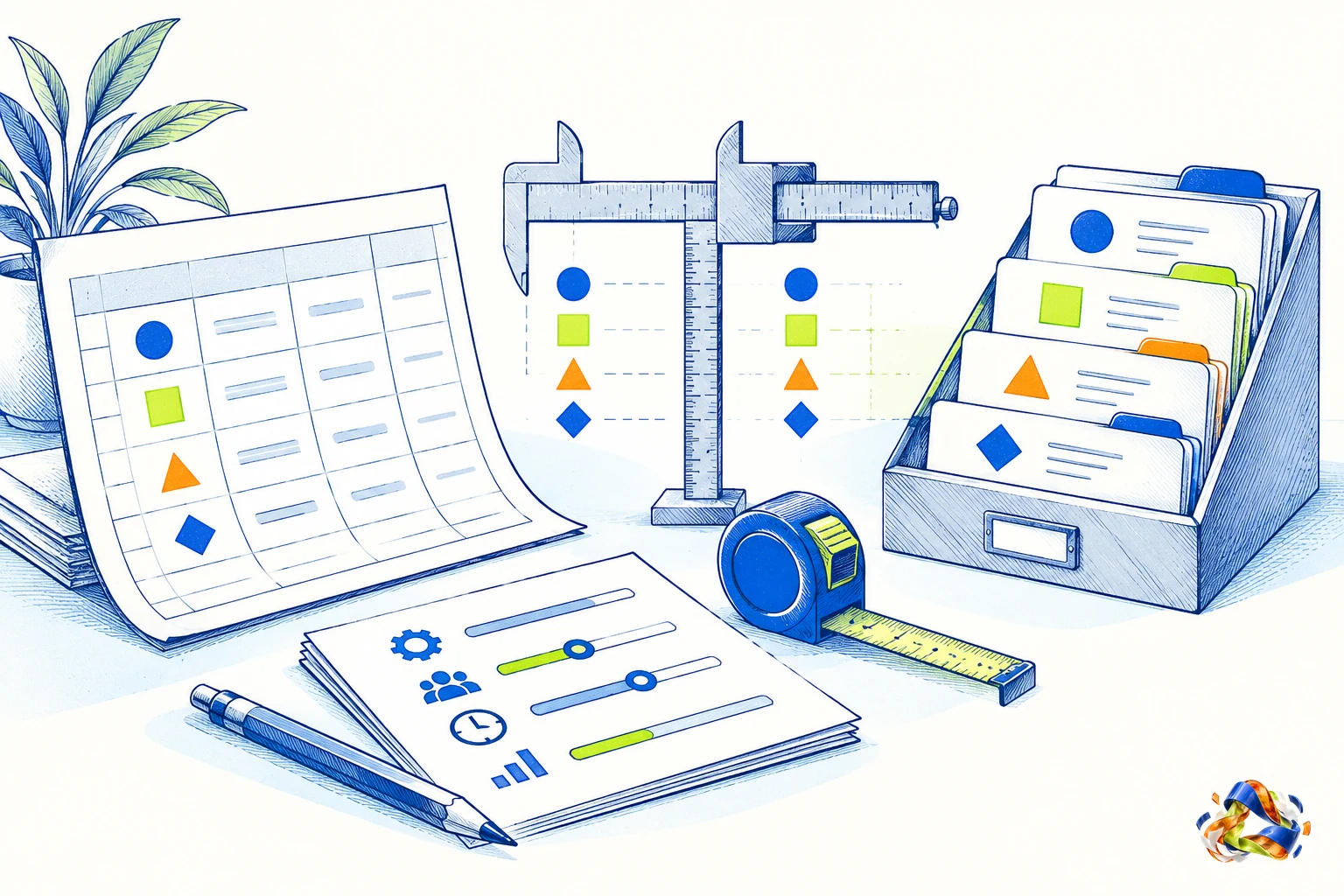
Define the minimum record
A useful client record usually needs a name, a way to contact the person, the context of the relationship, the current status, and the next action. Add the person responsible and the source of important details when those are relevant.
Do not collect a field simply because software offers it. A blank or stale field can create more confusion than a shorter record that people actually maintain.
- Select a few current client or inquiry records.
- Find the latest status, responsible person, and next action for each.
- Identify where your current method breaks down.
- Compare the cost, access, export options, and effort of changing tools.
An example: a consulting practice choosing a tool
A fictional two-person consulting practice tracks a dozen active conversations in a spreadsheet. Each row includes the company, contact, last meaningful interaction, owner, and next step. Both people can find the current information and agree on who updates it.
If the practice later needs a more detailed activity history and controlled access for additional people, it can evaluate a CRM against those specific needs. Another business may reach that point with a different number of clients.
Compare the work, not the labels
A spreadsheet gives you direct control over columns and can be a practical starting point. Check whether people can update it without creating conflicting copies, how you recover an earlier version, and whether the next action remains visible.
A CRM may organize contacts, activities, and follow-up in a more structured way. Give a colleague a few representative records and ask them to find the latest context, owner, and next action. Try the same tasks in any CRM you evaluate. Check access, pricing, and how you can export your information if you leave; features may differ between plans.
Where Areinum fits
The pre-production demo includes a CRM area and a general assistant for a fictional company. It lets you explore asking about available business information alongside work areas.
Before changing tools, confirm the import, access, and connection workflow needed for your records.
See the example
Client list workflow decision test
All account names, record counts, actions, dates, and test outcomes in the worked example and CSV are fictional.
| Fictional account | Current record path | Open items | Owner clear | Next action and date | Context easy to find | Test result | Decision |
|---|---|---|---|---|---|---|---|
| Alder Studio | Shared spreadsheet | 3 | Yes | Send revised estimate by 2026-10-20 | Yes, source thread linked | All follow-ups visible to teammate | Keep spreadsheet |
| Birch Workshop | Email and separate notes | 2 | No | Unknown | No, latest note is separate | Teammate could not identify next action | Test a CRM workflow |
| Cedar Design | Shared spreadsheet | 4 | Yes | Call on 2026-10-22 | Yes, one row links to context | Handoff completed without explanation | Keep spreadsheet |
| Driftwood Agency | CRM trial | 4 | Yes | Confirm scope by 2026-10-21 | Partial, company link missing | Contact association needs review | Review setup before deciding |
- Use recent records that represent different kinds of client work. Keep the sample small enough to inspect by hand.
- Ask another teammate to find the owner, source context, and next dated action. Record the observed result, not a score based on features you have not used.
- The accounts and results are fictional. Keep the current process if it passes the work test, and record the remaining gap before evaluating another tool.
Limits of this method
- The Reddit post is one person's account and cannot support a prevalence or market-demand claim.
- The decision criteria are a practical test proposed for this guide, not a validated threshold for when every company needs a CRM.
- Bigin's listed features and any other vendor's feature claims must be tested against the team's records and workflow.
Questions you may have
When is a spreadsheet enough?
It may be enough when the people involved can find and update each current record, identify who owns the next step, and recover the information they need. Test the process with real work rather than relying on a fixed number of clients.
When should I consider a CRM?
Consider one when your current method cannot reliably support the history, access, handoffs, or follow-up you need. Define the missing capability before comparing products.
Should I move every record at once?
First clean and understand the data you intend to move, then confirm the import and export process for the tools involved. Keep the original until you have checked that the needed information is present in the destination.
Does a CRM automatically make follow-up happen?
No. Someone still needs an agreed process for recording the next action, reviewing it, and acting. Any automation should be checked for the specific tool and configuration.
Sources and further reading
- How do you guys manage client inquiries and keep track of relationships? I'm drowning a bit
One self-described small web design agency owner reports client context split across email, WhatsApp, and a Google Doc, with follow-ups sometimes missed.
This is one anonymous account; it does not establish how common the problem is.
A single anonymous self-report. It does not establish prevalence, buyer identity, demand, or willingness to pay.
2026-10-18 - CRM Features | Power your small business with Bigin
Bigin's feature page advertises pipelines, task management, spreadsheet import and export, and communication features.
These are vendor feature claims, not a product test.
Vendor feature claims, not a product test. The selection register records a prior redirect to an Indonesian page; the current web extraction showed English content, so the locale difference remains unresolved.
2026-10-18
The demo uses sample business data and is in English. Access may need to be arranged.
Explore the demo